
Discord
Stand out in servers and chats with a blocky square avatar.
This is the live generator. It runs locally in your browser (no sign-up, no uploads). After it loads, press START inside.
If it takes more than 10 seconds, tap Retry or open the quick guide while it loads.
Build a square avatar right in your browser. Choose features, tune colors, and export a clean PNG for Discord, TikTok, YouTube, and game profiles. Nothing is uploaded and there is no sign-up.
Explore sample avatars and pick a style to remix for your own icon.
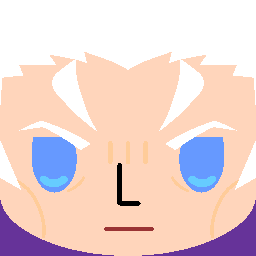
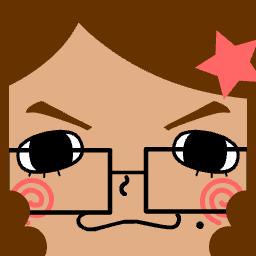
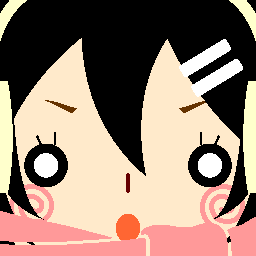
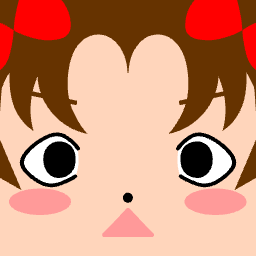
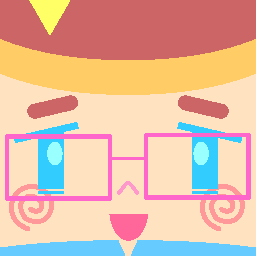
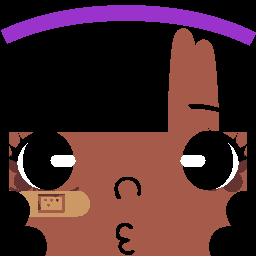
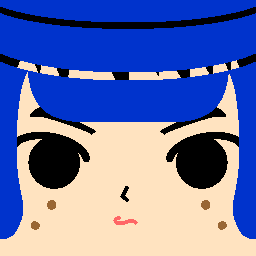
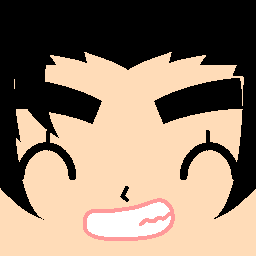
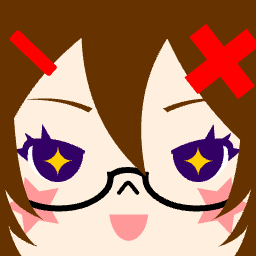
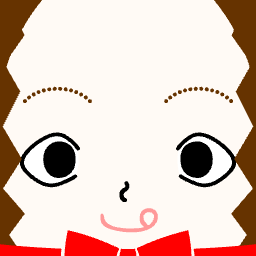

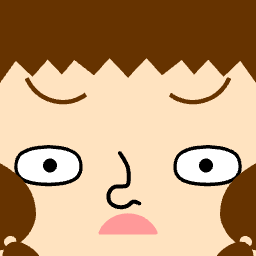
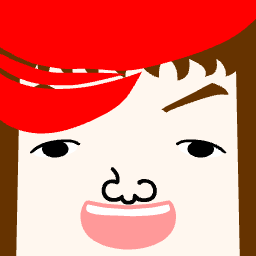
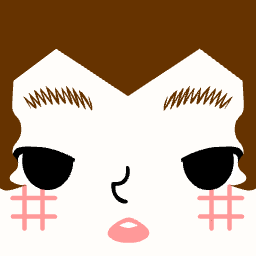
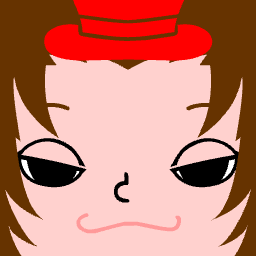
A fast, browser-based square avatar builder with a playful pixel vibe.
Pick from 12 categories with 200+ parts, then fine-tune colors and accessories. The preview updates instantly and exports a crisp 256x256 PNG.
If you like Picrew-style creators but want quicker edits, this keeps the mix-and-match feel with unlimited color tweaks and no login.
Need a larger upload size? See the size guide.
Three quick steps from idea to PNG.
Select skin, hair, eyes, and accessories across 12 categories until the face feels right.
Use the color picker to match your style and keep contrast clear.
Tap Random for ideas, then click "SAVE" to download a 256x256 PNG.
Fast, private, and flexible for everyday avatars.
Free to use, no sign-up, unlimited exports.
Hundreds of parts across 12 categories for endless combos.
Download a crisp PNG in seconds.
Works on desktop and mobile in modern browsers.
Everything stays in your browser; nothing is uploaded.
Use Random to get fresh ideas fast.
Square icons work well for social profiles, gaming communities, and creative projects.
Stand out in servers and chats with a blocky square avatar.
Use a clean profile icon with bold edges and clear details.
Create a recognizable avatar that reads well at small sizes.
Make a channel icon or thumbnail badge with a sharp PNG export.
Quick guidance for profile icons and social avatars.
Quick palettes you can build by choosing a base tone and two accents.
Soft hair tones with warm cheeks for a friendly feel.
Two-tone palette with bold outlines and clear contrast.
Neon accents on a dark base for a high-energy look.
Muted browns and reds with simple, chunky lines.
Small tweaks that keep icons clear at tiny sizes.
Pick a base tone first so hair and accessories pop.
Keep contrast bold so facial features stay readable.
Generate ideas fast, then tweak one part at a time.
Keep accessories minimal for tiny icons.
A simple, fast builder with instant PNG exports.
Free to use, no sign-up, works on any device, and exports 256x256 PNGs instantly.
If you like Picrew-style tools, this keeps the cute feel with faster edits.
200+ options across 12 categories, unlimited colors, and real-time preview.
A free, browser-based square avatar builder with 200+ parts and instant PNG exports.
Yes. It is 100% free with no registration or watermarks.
Exports are 256x256 PNGs, great for profile icons and social media.
Use avatars for personal profiles and check platform terms for commercial use.
No. It runs in your browser with no plugins.
Yes. It works on modern mobile browsers with touch-friendly controls.
Unlimited. Mix 200+ options across 12 categories.
Yes. Creations stay in your browser and are not uploaded.
It has a similar cute vibe, with faster edits and no sign-up.
Fast edits, instant PNG exports, and lots of customization options.
Short guides and inspiration to keep your avatar sharp.
Step-by-step guide with screenshots, tips, and export checks for crisp PNG avatars.
Read the full tutorialShort walkthrough for getting your square face avatar ready in minutes.
Open the quick guideCommon upload sizes, export tips, and quick checks for tiny icons.
Open the size guideReady-made palette ideas for hair, skin, and accessories.
Browse palettesCompare the workflow and see if a quicker remix flow fits you better.
Read the comparisonSee how the browser app works, plus mobile shortcuts and download notes.
Open the app overview