
Discord
Stand out in Discord servers with a blocky cube face avatar.
This is the live generator. It runs locally in your browser (no sign-up, no uploads). After it loads, press START inside.
If it takes more than 10 seconds, tap Retry or open the quick guide while it loads.
Build cube-style square faces with a classic maker that runs in your browser. Mix parts fast, try random combos, and export crisp PNGs for Discord, TikTok, and profile icons.
Browse cube-style square face avatars created with our Square Face Cube Generator. These pixel looks show the blocky vibe you can build in seconds.
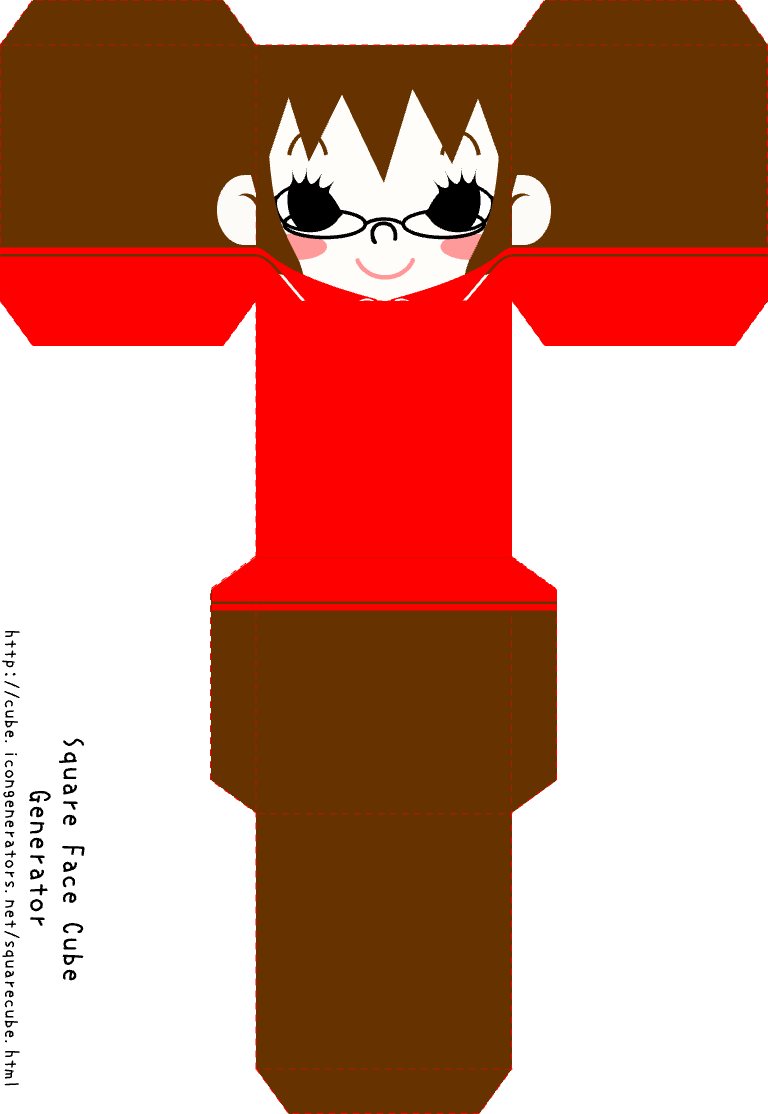
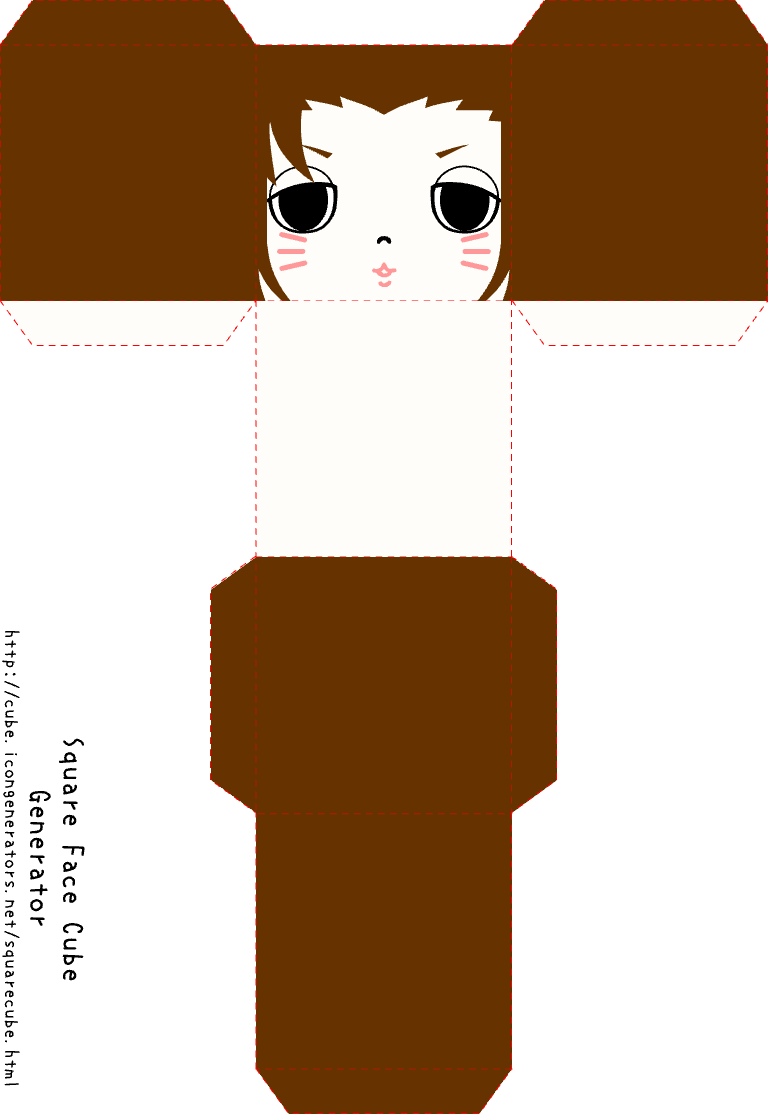
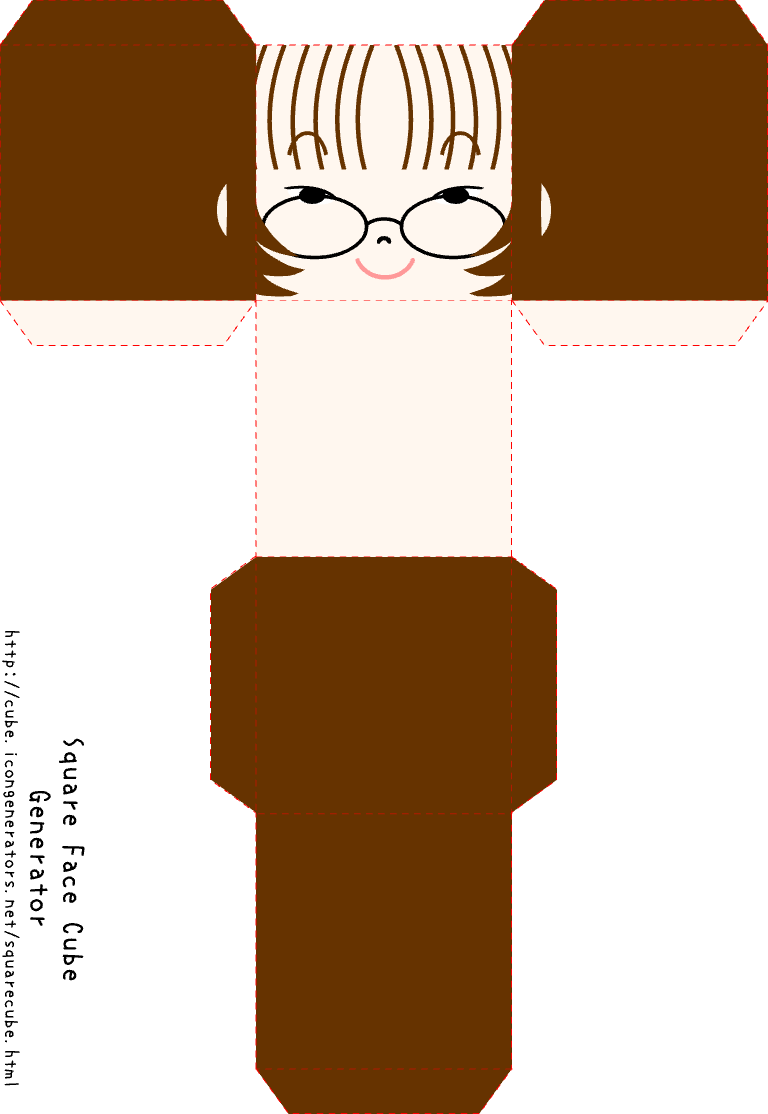
Square Face Cube Generator is a free online tool for making blocky square face avatars. It keeps the cube look while giving you quick access to eyes, hair, colors, and accessories.
The cube generator focuses on bold edges and a clean pixel-toy vibe. Pick parts, swap colors, and preview changes instantly. Every cube avatar is exported as a crisp PNG that looks sharp at small sizes.
Use Square Face Cube Generator for gaming profiles, Discord servers, or social media icons. It runs in your browser, no login required.
Build a cube-style square face in three quick steps with the Square Face Cube Generator.
Select hair, eyes, mouth, and accessories to shape your cube avatar.
Adjust skin and accessory colors until the blocky look feels right.
Tap Random for inspiration, then export a 256x256 PNG instantly.
Square Face Cube Generator makes blocky avatars simple, fast, and fun.
Create unlimited cube avatars with no sign-up or hidden fees.
Download a crisp square PNG as soon as you finish your look.
Keep the cube silhouette and chunky lines that stand out in feeds.
Generate fast inspiration with one tap on the Random button.
Works on desktop and mobile browsers with no install needed.
All creation happens locally in your browser, not on servers.
Cube avatars are perfect for gaming, social profiles, and creative projects.
Stand out in Discord servers with a blocky cube face avatar.
Use cube avatars for crisp profile icons and fun headers.
Make a recognizable pixel-toy avatar for your short videos.
Create a bold cube icon for channels, thumbnails, and streams.
Small tweaks make cube avatars look sharper and more balanced.
Pick a base tone first so hair and accessories pop cleanly.
Centered eyes keep cube faces readable at small sizes.
Blocky outlines and color contrast make cube avatars stand out.
Start with Random, then swap one part at a time for polish.
Square Face Cube Generator focuses on blocky charm and fast exports.
The cube generator keeps a clean silhouette, exports instantly, and stays free. It delivers a bold pixel-toy look without long setup or sign-in steps.
Use the cube generator when you want chunky, playful avatars for gaming, social profiles, or creative projects.
Square Face Cube Generator is a free online tool that builds blocky square face avatars. It mixes pixel parts into cube-style characters and exports PNGs instantly.
Yes. You can create and download cube avatars for free with no account required.
Absolutely. The PNG exports are sized for profile icons and work well on Discord, TikTok, and YouTube.
Yes. The cube generator runs in mobile browsers and supports touch controls.
Use the SAVE button inside the generator to download a PNG to your device.